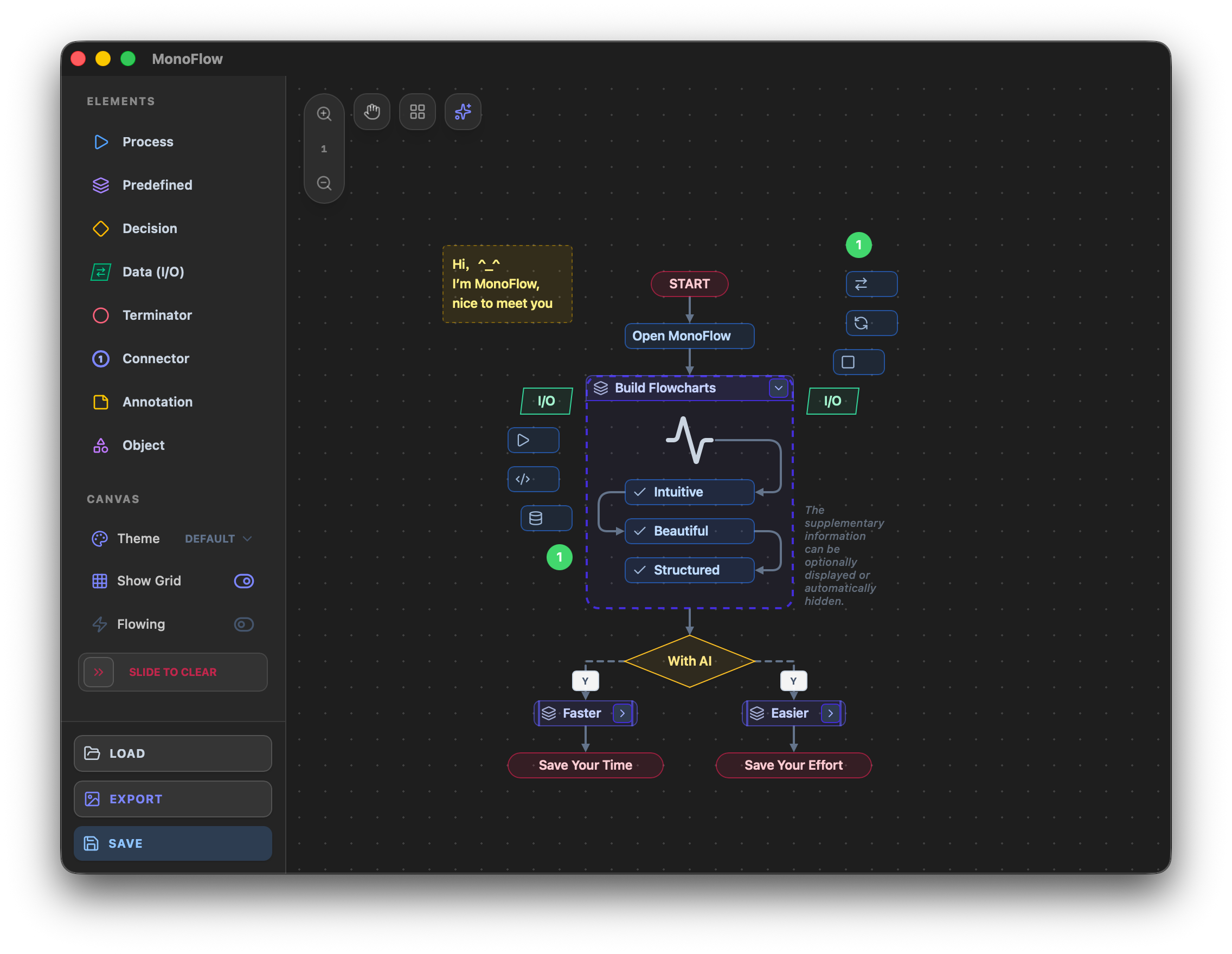
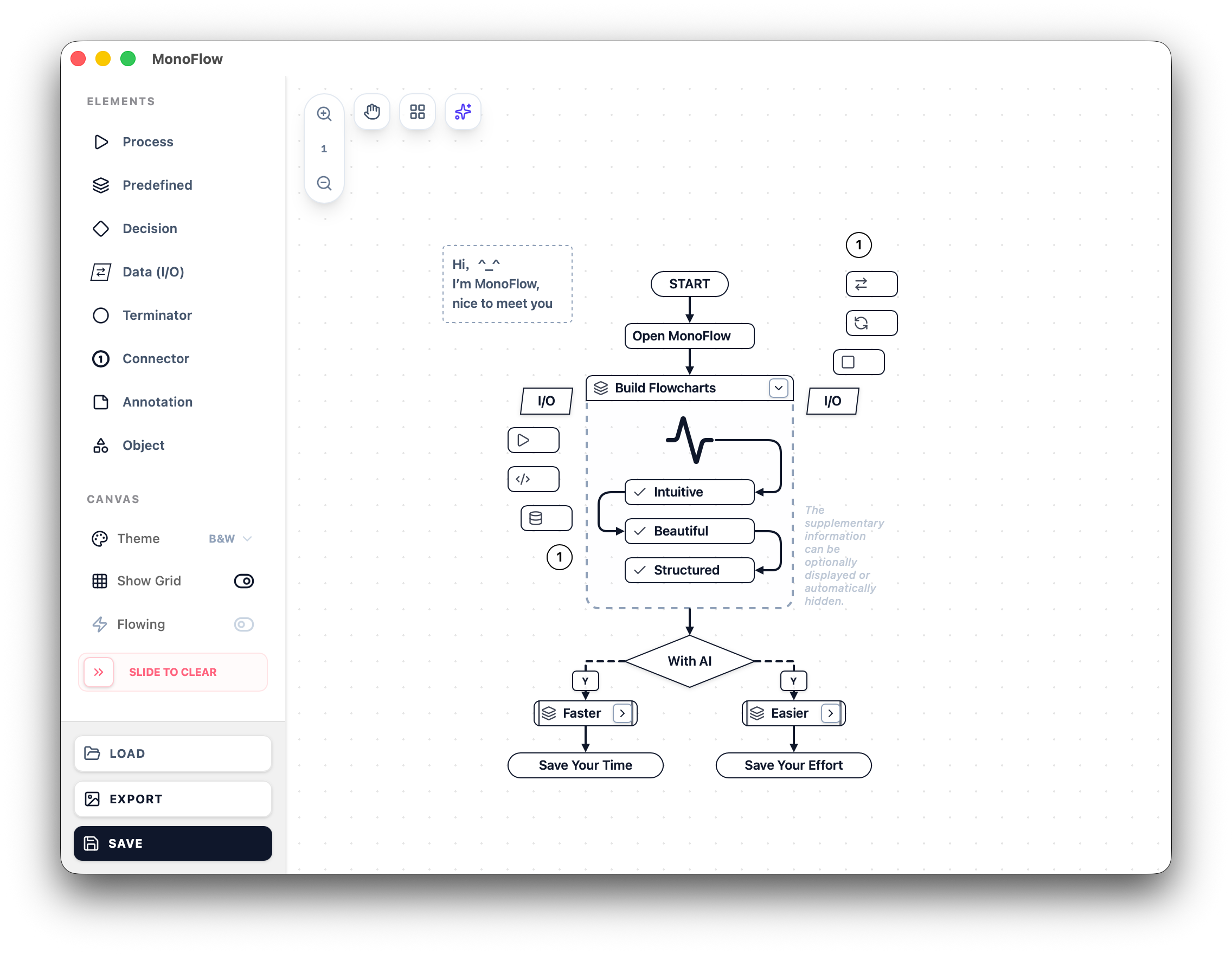
A modern, lightweight diagram editor with a built-in AI co-pilot. Describe your diagram in plain language and watch it appear — or build it node by node with precision tools.
Powered by Google Gemini — describe your diagram in plain language, attach a screenshot, or upload source code. The AI builds your flowchart live, node by node, connection by connection.
AI features require a Google Gemini API key — the core editor works without one. How to get one →
Flowcharting shouldn't be a chore. MonoFlow is packed with tools designed to get out of your way and let your ideas flow as fast as you can think.
Add nodes instantly onto the canvas. WYSIWYG precision.
Click targets to auto-route perfectly. No manual line teasing.
Instantly organize messy diagrams with a single click.
Select multiple elements at once to copy or delete in bulk.
An immersive, boundless environment perfectly built to handle your grandest architectural ideas.
Expand your flow endlessly in any direction. Never run out of room for complex diagrams.
Navigate gracefully with trackpad gestures. Zoom out for the big picture, or dive deep into details.
Keep your flowcharts perfectly aligned. Toggle grid snapping on for structure or off for absolute freedom.
Bring diagrams to life with animated connection lines that visualize the direction of data movement.
Drag the slider all the way to the right to wipe the canvas clean — a deliberate gesture that prevents accidental resets.
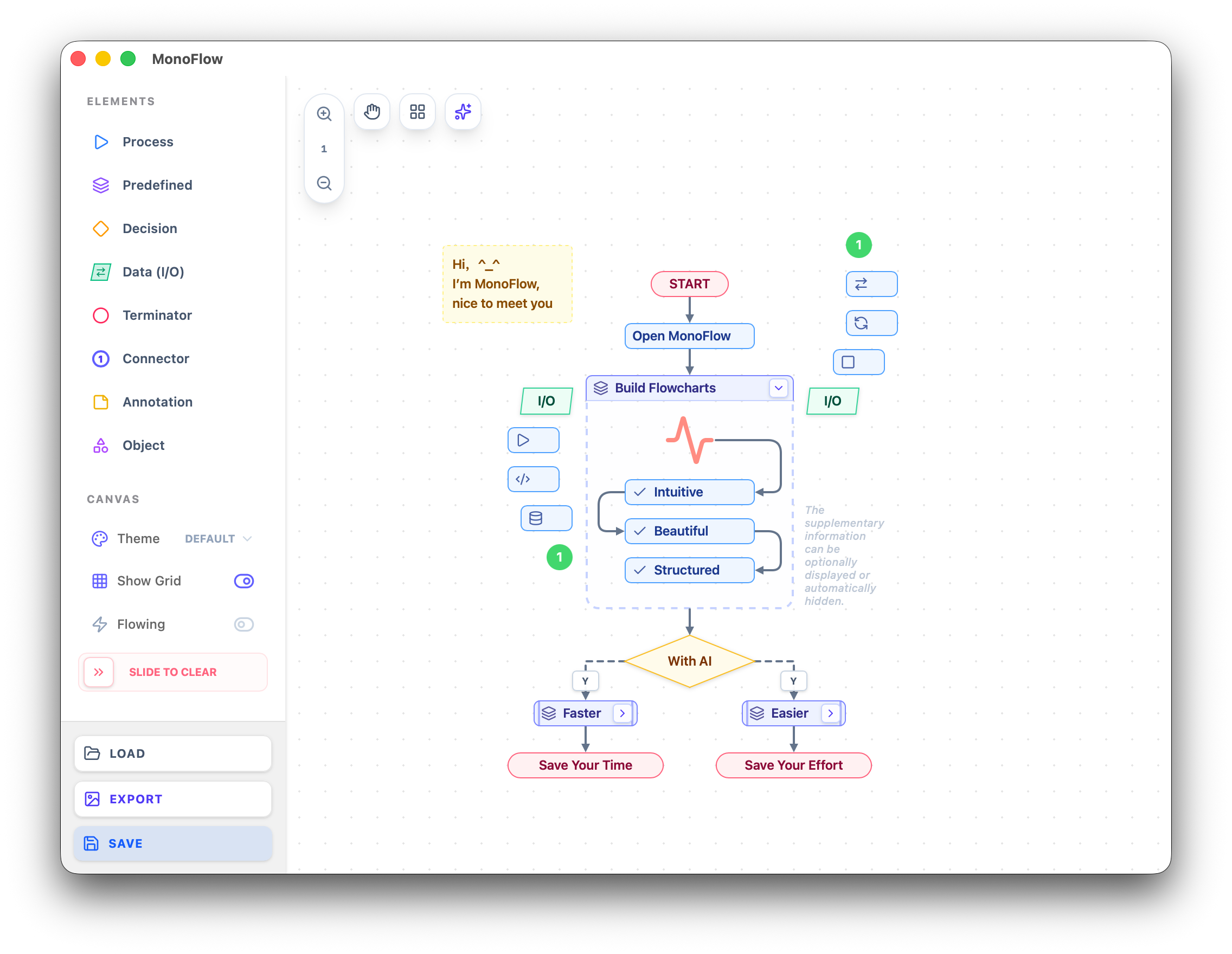
Every node type carries its own color — Processes, Decisions, Data I/O, Terminators, and more. Drag to connect, click to edit, and fine-tune every element.
No ads. No sign-up. No data collection. Just download and create.
AI features use your own Google Gemini key —
free tier available, no credit card required.